Leadership
Evidence of thinking at scale
Manage institutions, users and memberships from one admin portal, and give every class structured practice tagged to the standards you teach.
Institution guideCognificance for schools and colleges
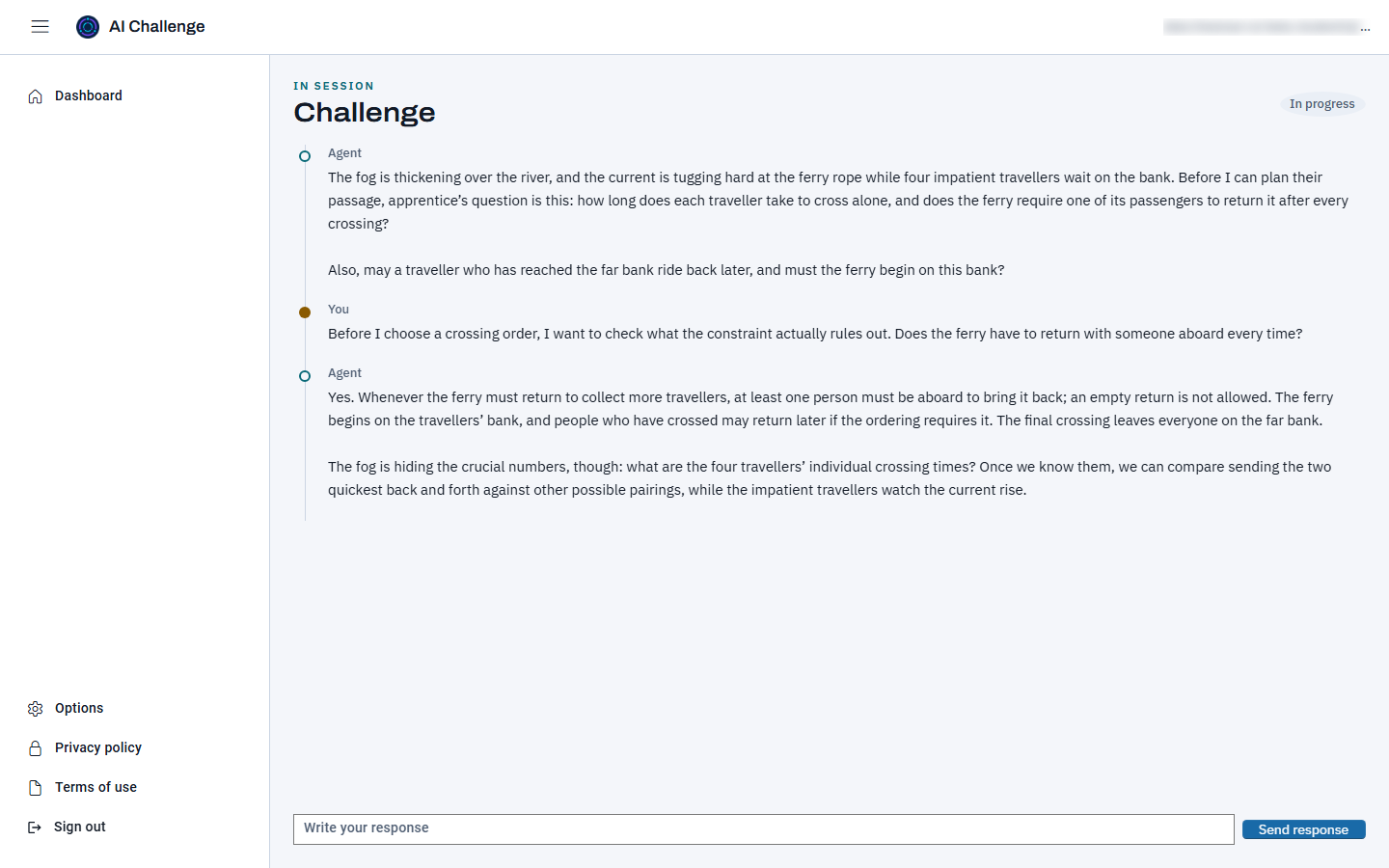
AI can hand any student an answer. Cognificance builds the skill behind it: students reason through AI-guided challenges one turn at a time, and your educators see exactly how each conclusion was reached.
Now in beta with invited institutions. AI Challenge Portal is the Cognificance product.
Included with AI Challenge
The Cognificance layer connects your school's standards and assessment targets to one vocabulary of thinking skills and a thinking-demand rating from 1 (recall) to 4 (evaluate or create) for standards and assessment items where the wording shows the operation, describing how much thinking each asks for. Keep the frameworks you use and see the reasoning they call for: inquiry, analysis, argument, perspective, uncertainty, revision and communication, with AI literacy and dispositions alongside them.
Graded challenges record evidence on the skills their scoring dimensions measure. Catalog links connect those skills to standards and targets across frameworks. The Cognificance Critical Thinking Profile is formative only: no predicted test score, percentile or certified result. The layer and Profile are included with AI Challenge.
Explore the Cognificance layer, progressions, indicators and comparison with other approaches.
Our mission
Critical thinking is a skill, and skills grow with deliberate practice and honest feedback. Cognificance gives every learner a patient thinking partner that asks rather than tells, and gives every educator evidence of how a student thinks, not just whether the final answer was right. The aim is lasting growth in thinking skills: weighing evidence, spotting assumptions, building arguments and changing one's mind for good reasons.
Why institutions choose it
Leadership
Manage institutions, users and memberships from one admin portal, and give every class structured practice tagged to the standards you teach.
Institution guideTeachers
Start from the library or write your own, assign to a student or class roster, then review transcripts, scores and checkpoint timelines.
Teacher guideStudents
A conversation that questions, nudges and hints when they are stuck, with reports and progress that show their thinking getting sharper.
Student guideFeatures
Variety and library
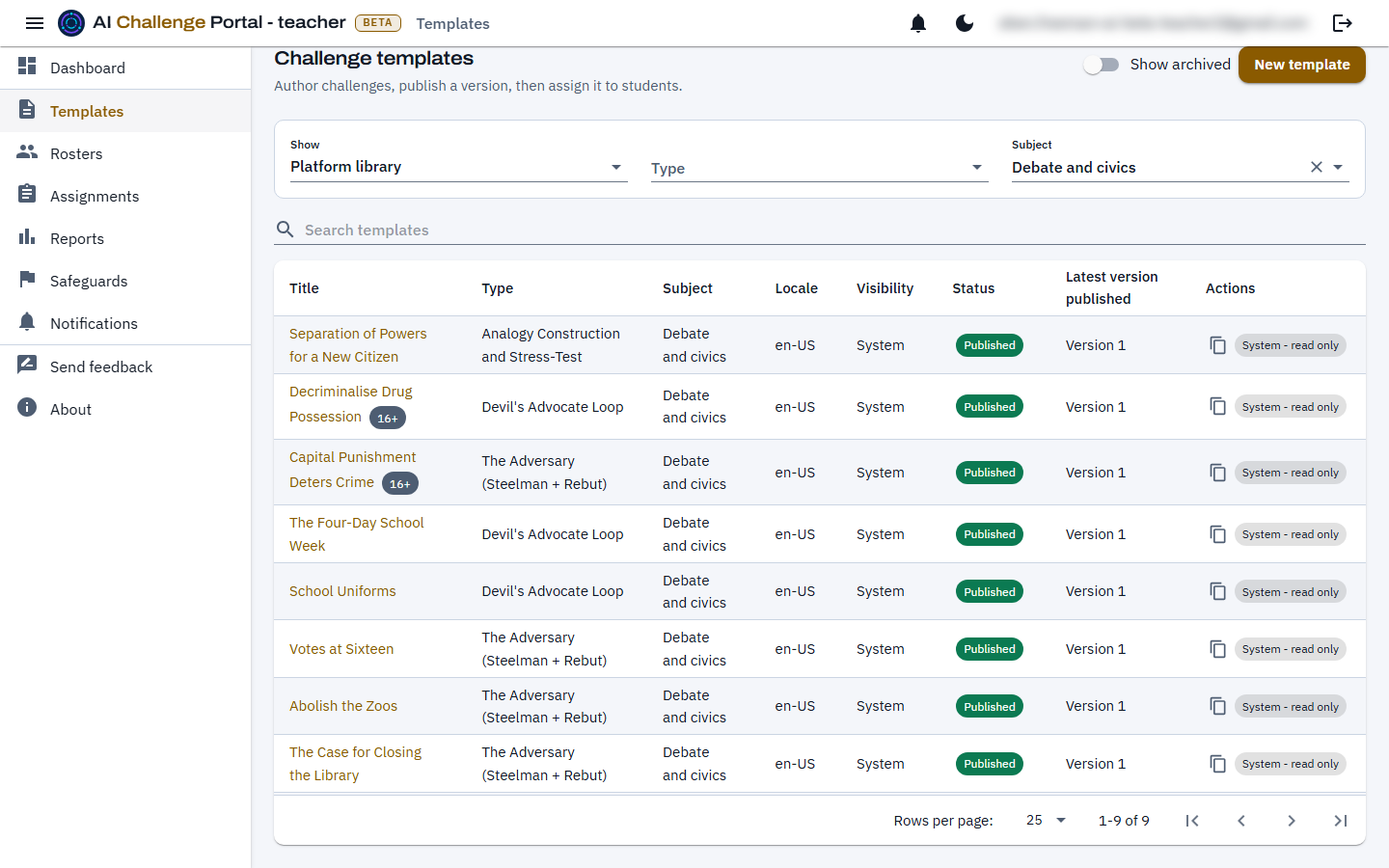
Each challenge type trains a different habit of mind, from weighing evidence to ordering an argument. An extensive built-in library, filterable by subject, difficulty and age rating, means teachers can assign on day one, with more challenges and types planned.
Difficulty and guidance
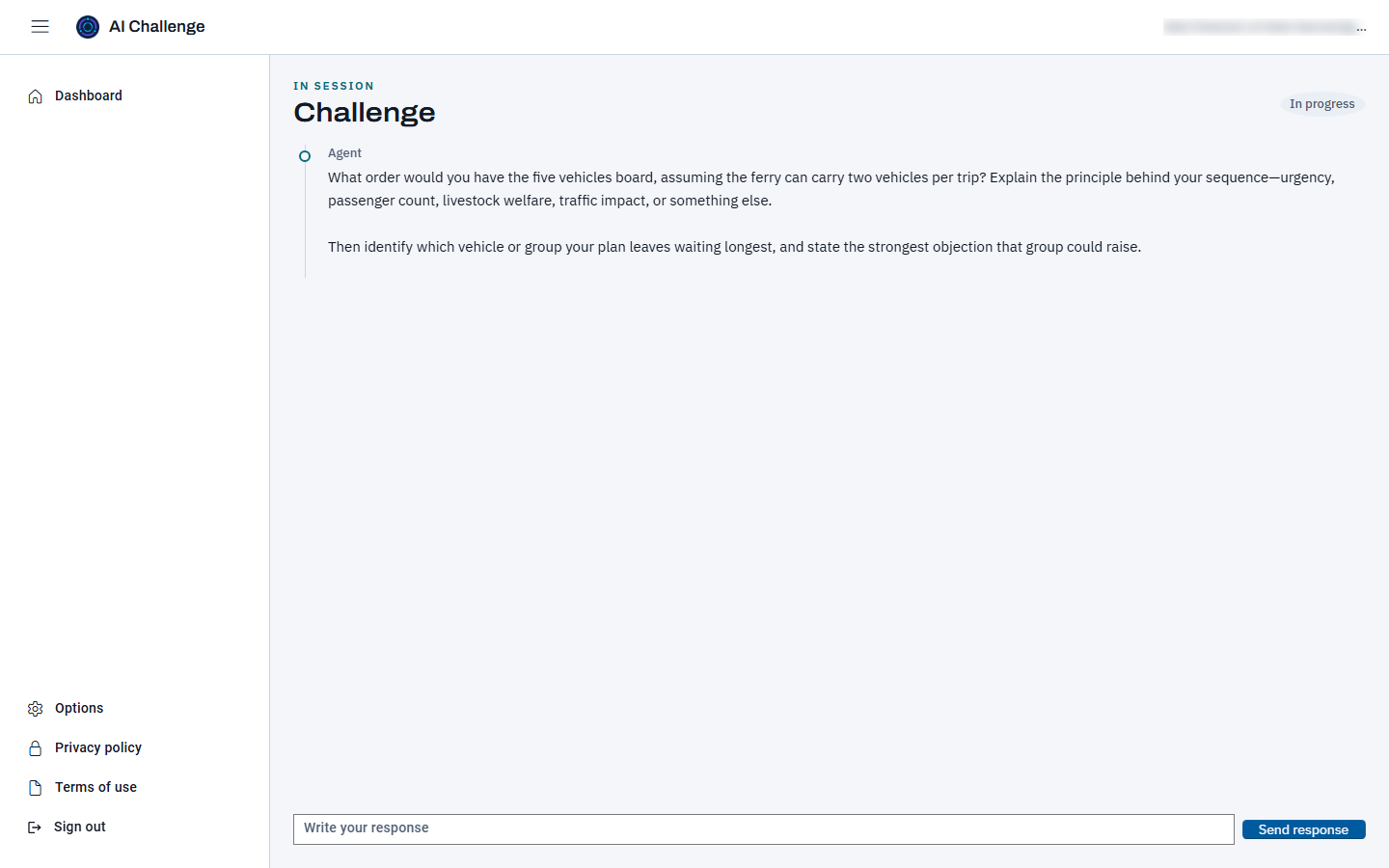
Challenges are rated Introductory, Intermediate or Advanced, and each run picks a support mode: Guided shows steps and offers hints, Standard hides the steps until the report, and Challenge mode removes both. When a student stalls, an "I'm stuck" hint keeps them thinking instead of giving up, within the limit the challenge sets.
Customizable
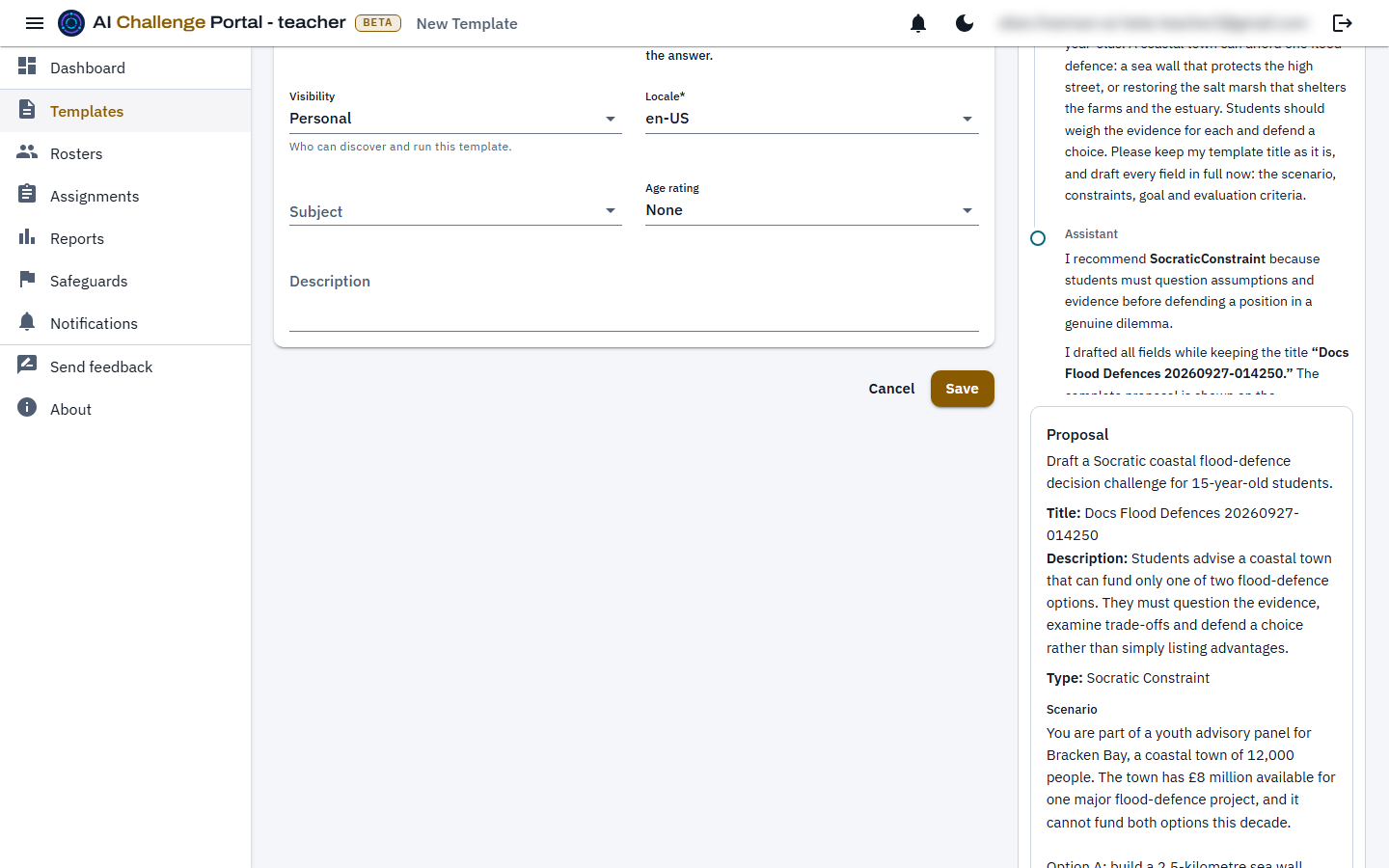
Clone a library challenge and adapt it, or write your own in plain fields with versioned publishing. A teacher assistant drafts and reviews alongside the teacher and saves nothing until the teacher confirms.
Tracking and reporting
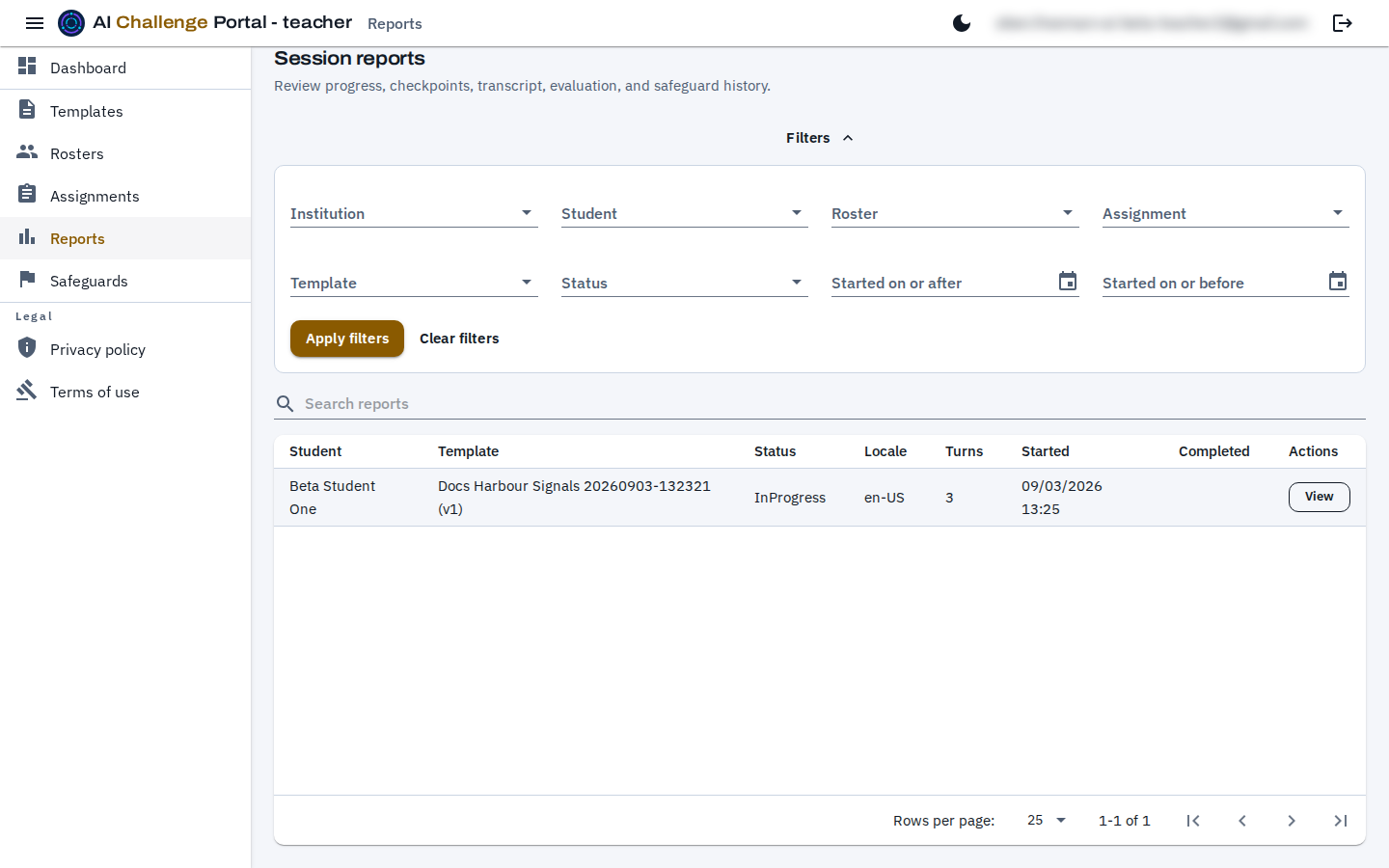
A separate AI judge tracks every turn against the challenge's checkpoints. Teachers get the full transcript, an overall score, dimension scores, a written summary, a mastery band from Beginning to Mastered, and the turn each checkpoint was reached. Learner progress shows mastery by challenge type and suggests what to try next.
Trust
Standards alignment
Templates carry standards from a curated catalog: NGSS, Common Core ELA and Common Core Math, the England national curriculum, the C3 Framework for Social Studies, Texas TEKS and Florida B.E.S.T., the Australian Curriculum v9 Critical and Creative Thinking and Digital Literacy capabilities, and the UNESCO and OECD/European Commission AI literacy frameworks. More frameworks are on the way.
Standards in the betaSafety guardrails
A disclosure of self-harm, abuse or serious distress pauses the session and flags it to whoever set the work. Age ratings keep mature topics from younger students, and AI usage has daily limits.
Privacy policyAcademic integrity
A challenge is completed by reasoning through its checkpoints turn by turn, not by submitting a final answer, and every run keeps its transcript and checkpoint timeline as evidence for an educator's integrity review. There is no automated plagiarism detection; people make the call.
Read the full docsHow it works
Pick a library challenge or write one: goal, rules, difficulty and completion criteria.
A published template becomes an assignment for a student or class roster.
The student works through an AI conversation that questions rather than answers.
A separate judge tracks progress and produces the report.
Documentation
The docs mark what is live in the beta and what is planned.
Start here
Choose your role and take the first useful action.
Reference
What each type asks of a student and how it is graded.
Status
What is live now and what is deliberately next.
Institution
Users, memberships and institution access.
Teacher
Choose, assign and review challenges, then author your own.
Learners
Work through challenges and read your reports.
Join the beta
We are onboarding a small number of schools and colleges. Tell us about your students and goals.